MultiClip app iconMultiClipMulti-Format Camera for iPhone

Shoot once.
Get vertical and wide video.

One press of the shutter records a 9:16 vertical video and a 16:9 wide video of the same moment. Post to TikTok, Reels and YouTube without reshooting or recropping.

Coming soon to the App Store
  • 9:16 + 16:9 from one press
  • Every rear lens in one tap
  • No account needed
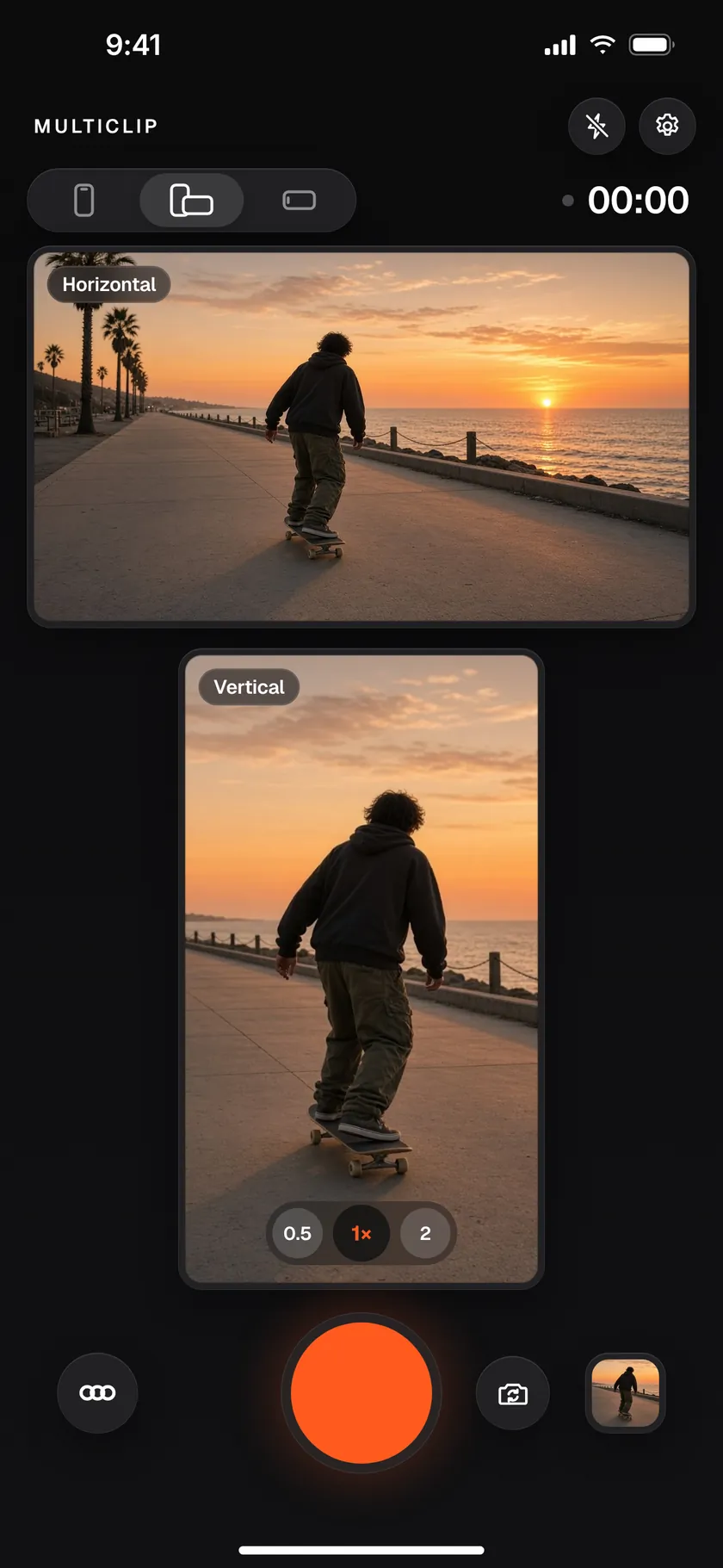
MultiClip camera screen showing a wide horizontal preview above a vertical preview of a skateboarder on a seaside boardwalk at sunset, with one orange record button

Dual-format video

Vertical and wide.
One take.

MultiClip frames both shapes live while you record, so you can see exactly what each one will look like. When you stop, you have two finished videos.

  • Vertical for Shorts, Reels and TikTokFull-height video, ready for vertical feeds.
  • Wide for YouTube and everything elseThe classic landscape frame from the same press.
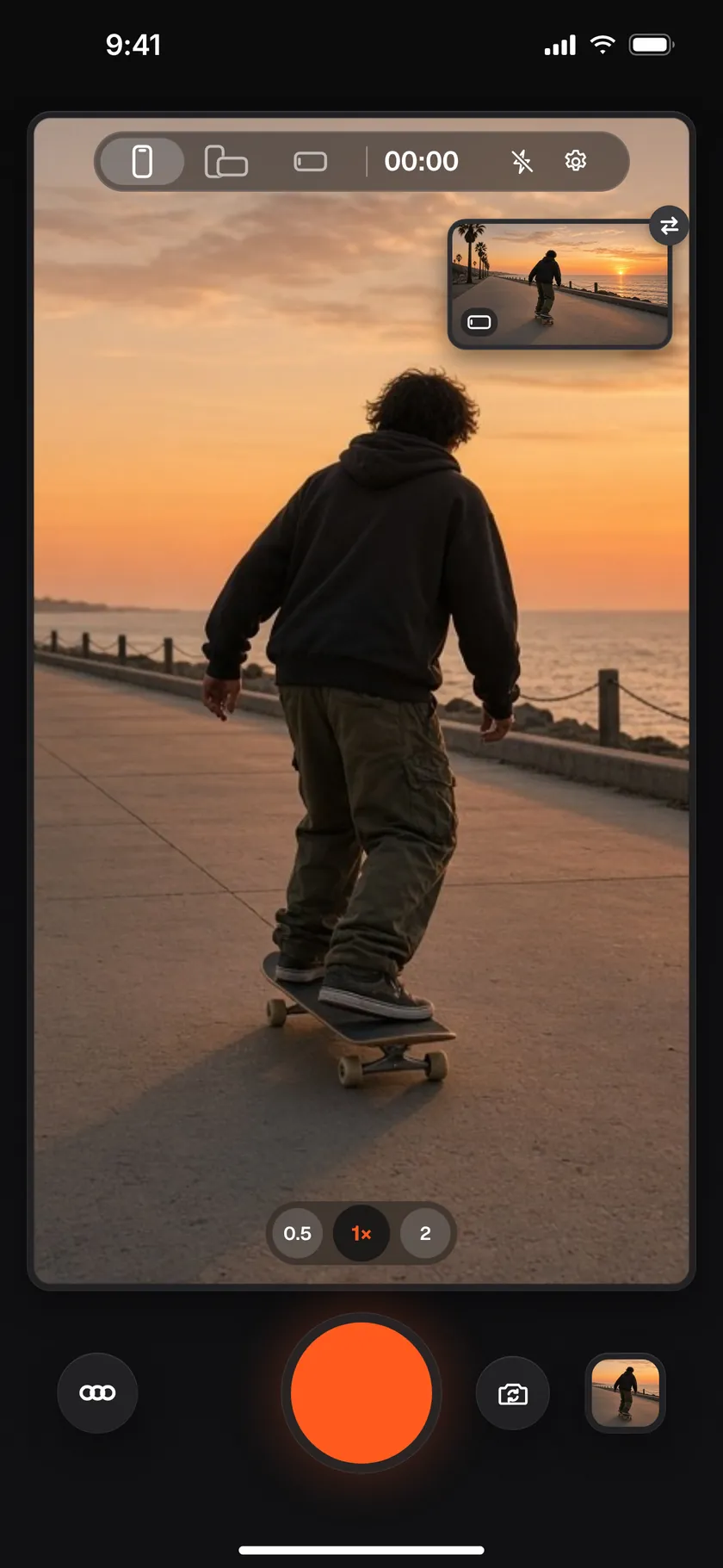
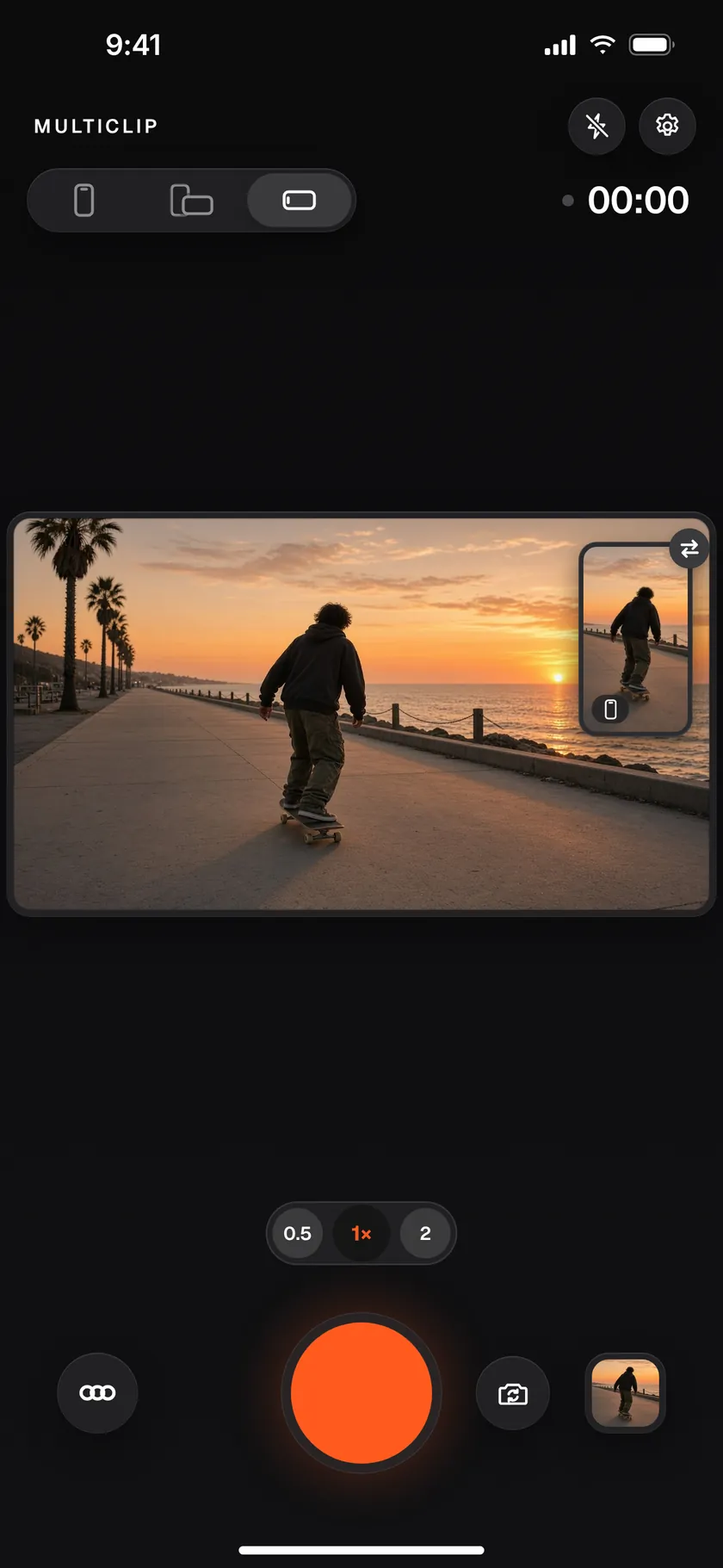
  • Double-tap to go bigDouble-tap either preview to fill the screen with it while you frame the shot. The other stays in a small corner view.
The vertical preview enlarged to fill the camera screen, with the wide preview in a small corner view
Vertical, big
The wide preview enlarged across the camera screen, with the vertical preview in a small corner view
Wide, big
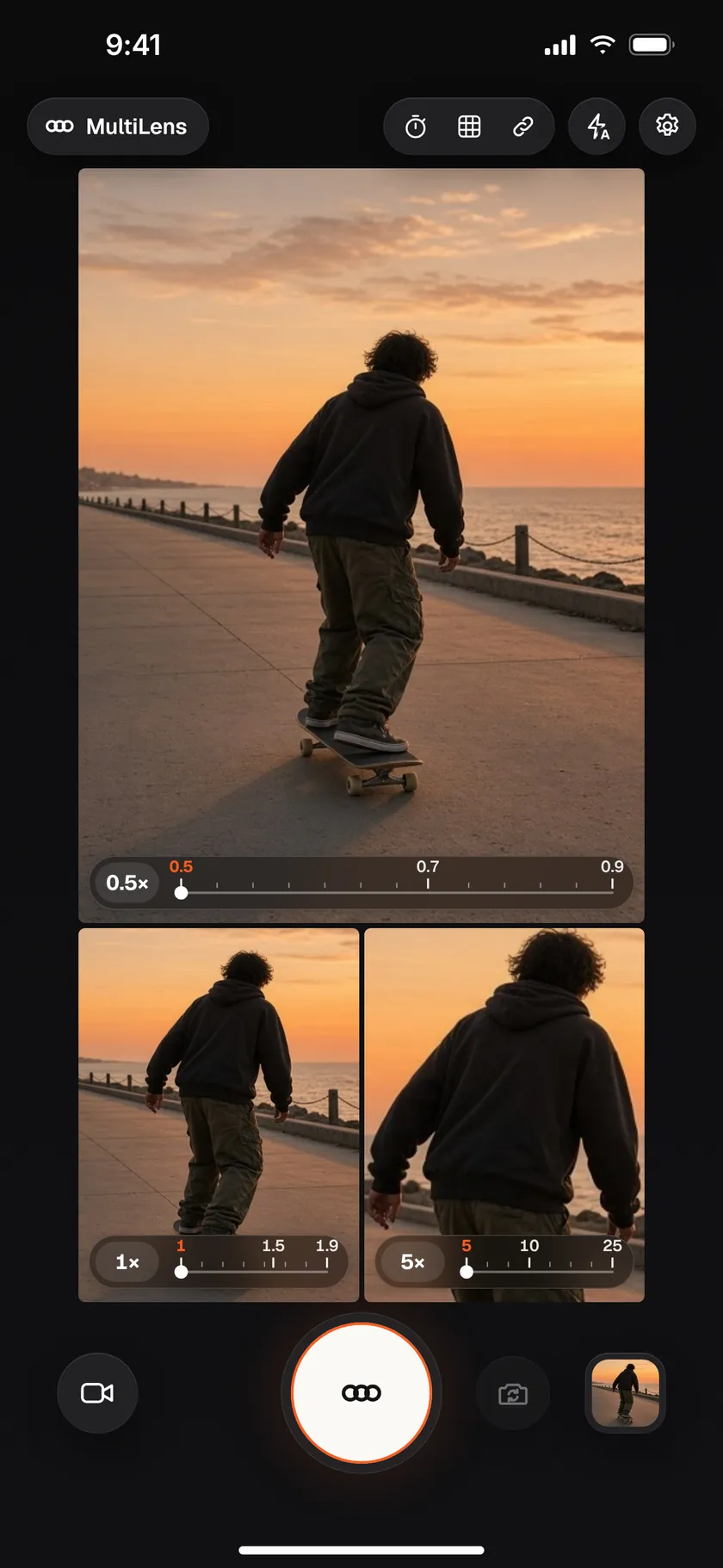
MultiLens Photo on an iPhone with three rear cameras: an ultra wide view on top and two closer views below, each with its own zoom control
Three-camera iPhone
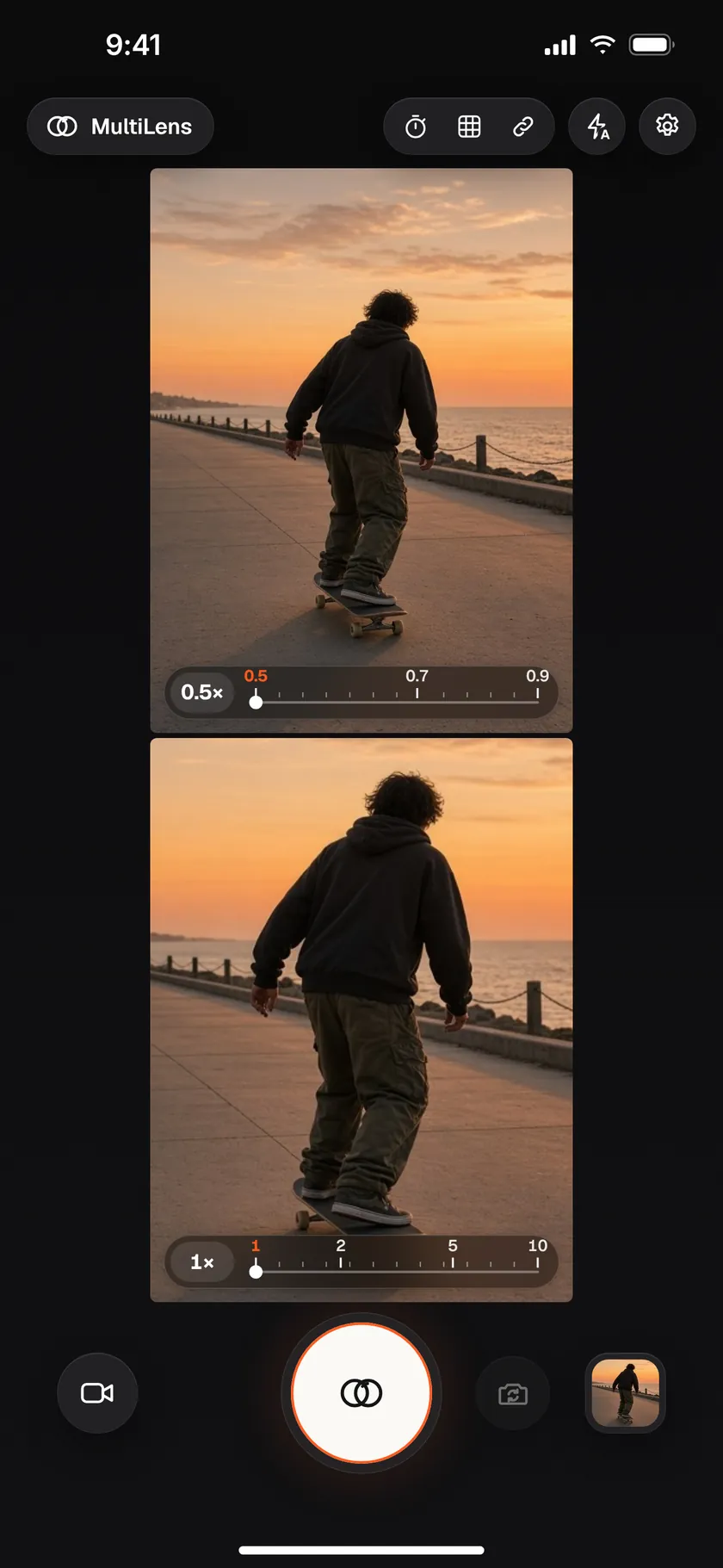
MultiLens Photo on an iPhone with two rear cameras: 0.5x and 1x views stacked, each with its own zoom control
Two-camera iPhone

MultiLens Photo

Every rear lens.
One tap.

Switch to MultiLens Photo and a single tap takes a photo with each of your iPhone's rear cameras at once, so you can pick the best framing later.

  • Three photos on Pro iPhonesUltra wide, wide and telephoto, from one tap.
  • Two photos on dual-camera iPhones0.5× ultra wide and 1× wide.
  • Frame each lensEvery view has its own preview and zoom, so you see each shot before you take it.

Save to Photos automatically

Straight to your camera roll.

Turn on Save to Photos automatically in Settings and every finished take lands in the Photos app in both formats, vertical and wide. MultiLens Photo saves every lens photo the same way.

  • Keep shootingSaving happens in the background and you stay on the camera, ready for the next take.
  • Add-only Photos accessMultiClip only asks to add to your library, never to read it.
  • OptionalIt's off until you turn it on. You can always save or share takes one by one instead.

Your videos, your phone

Recorded on your iPhone. Kept there.

Stays on your device

Your videos and photos are processed and stored on your iPhone. They leave the app only when you save or share them.

Nothing uploaded to us

MultiClip has no servers that receive your media. We never upload your videos or photos.

No account

No sign-up, no login, no name or email. Open the camera and shoot. Privacy Policy

Pricing

Pick a plan. Everything included.

MultiClip Pro unlocks the whole app. Choose a plan to start; the yearly plan begins with a 7-day free trial.

Monthly

$2.99/month

Billed monthly. Cancel anytime.

7-day free trial

Yearly

$19.99/year

Free for 7 days, then $19.99/year. Cancel anytime.

Lifetime

$39.99 once

Pay once, yours forever. No subscription.

US prices; the App Store shows your local price before you buy. Subscriptions renew automatically unless cancelled at least 24 hours before the end of the current period, and the free trial converts to a paid yearly subscription unless cancelled at least 24 hours before it ends. Manage or cancel anytime in your Apple Account settings. See the Terms of Use.

Coming soon to the App Store

Questions?

Write to us at [email protected].